
Jump to a section9
- 1Turn Tuned Percussion into a Lead Instrument
- 2Make Sure to Use all the Possibilities of Layering
- 3Reverse Your Samples
- 4Time Stretch Audio
- 5Don’t Forget About Your Synth’s Macros
- 6Make Your Own Wavetables Using Samples
- 7Create Your Own Ambience with Reverbs
- 8Re-Organize Your Samples & Presets
- The System That Saves Your Creativity
Most producers fumble using sample packs the first few times. Here’s how it actually works.
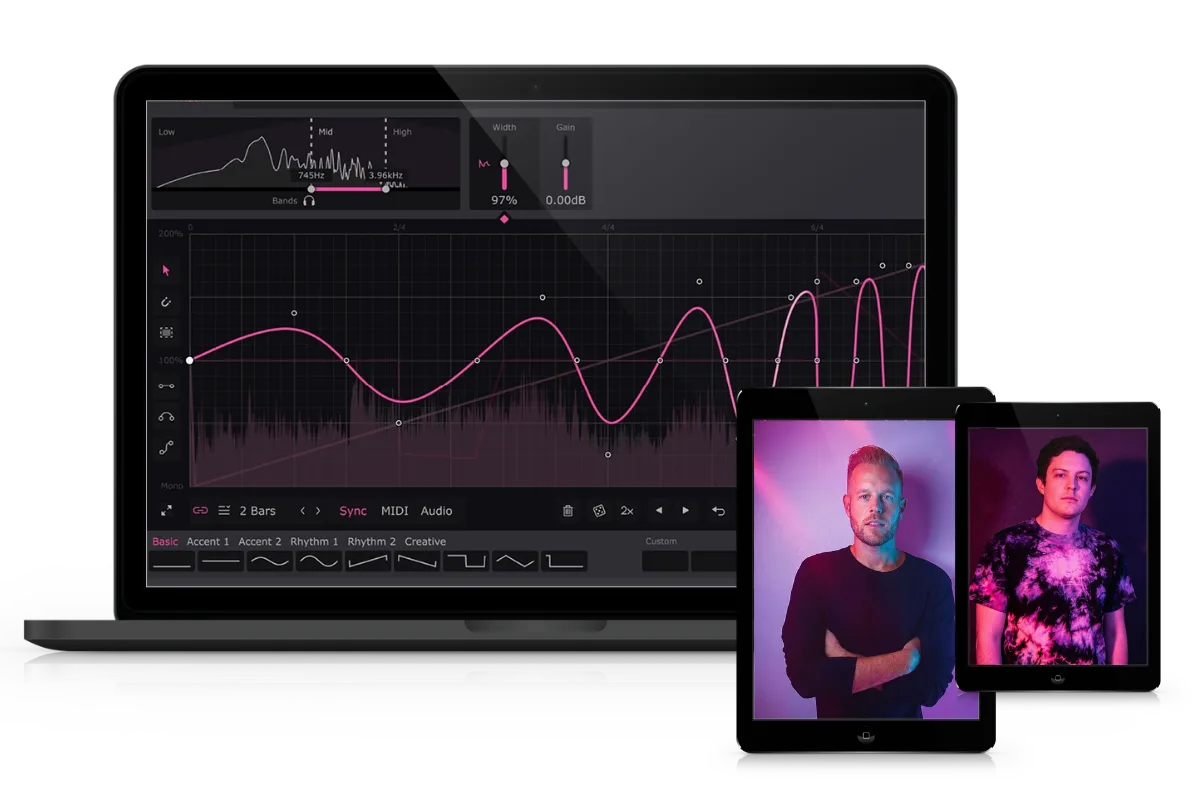
Related tool: Hyperbits Creative Suite: Find your signature sound and stop hoarding sample packs. 8,674+ royalty-free sounds, built to last.
Quick note: we are going to be using the word timbre a lot in this article.
Timbre is a word that describes the tonal quality or texture of a sound. Timbre, by definition, is the character or quality of a musical sound or voice as distinct from its pitch and intensity. What that means is that timbre is what separates the F# note you hear in your piano, versus the F# note you hear in a guitar, or a percussive sample, or the F# you hear in a bongo.
Timbre, in essence, is the defining difference maker between the sonic quality of every sound you use.
1. Turn Tuned Percussion into a Lead Instrument
One of the most classic examples of using tuned percussion is the production in Martin Garrix’s “Animals”. You can create fantastic percussive lead melodies by simply using a tuned sample in any given sampler.
For this, Logic’s EXS24 or Ableton’s Simpler will do just fine. If you’d like to use a third-party sampler, Kontakt will certainly get the job done. Make sure to key-map the sample you are using so that you’ll be able to play this sound across your entire MIDI keyboard and octave range.
Be aware that you can do this with any sound, it doesn’t specifically have to be a percussive sound. This means you can use synth cuts, bass samples, one-shots, orchestral sounds, literally anything you want. So don’t limit yourself to only using synths or rompers for instruments.
If you are using Kontakt, you can even start the time machine feature so that the sample maintains it’s pitch and note length regardless of where you play it on the keyboard. This can be really helpful if you are trying to write a melody that spans across several octaves.
2. Make Sure to Use all the Possibilities of Layering
Great sounding, individual samples are always going to be helpful and useful in your productions. But as the sounds of electronic music have matured and developed over the past decade, producers have been using more and more layering in their music. Even your synths mostly all have 4 oscillators. This means most presets already use layering to some degree before you’ve even had a chance to do anything.
Samples can be brought to a higher level when layered. This type of strategic layering allows for more unique timbres and larger, more impactful sounds.
Layering allows for your sounds to not only sound larger, fatter, warmer and bigger. But also more unique, interesting and polished. Layering isn’t all about size, it’s also about sounding different from others and sounding professional. This is an important distinction that a lot of producers miss.
If you want to see how layering transforms a flat sound into something massive, this 2-minute breakdown covers it:
3. Reverse Your Samples
I’ve written about reversing sounds before. In fact, I covered my favorite 5 Creative Composition Techniques Using Reverses. But there are tons of ways to add interest to your music through reversing sounds. Everything from transitions to added melodies, to drum loop variations and fills. Here are 5 of my favorite techniques.
- Creating reverse melodies
- Reverse reverb with Space Designer
- Mapping reverses to a sampler
- Reverse reverb with stereo movement
- Adding groove & energy with reverses
Once you incorporate reverses into your productions, the possibilities of what you can achieve with your sample collection are relatively endless.
4. Time Stretch Audio
You can use built-in warping and time-stretching in your DAW of choice or use third-party plugins to achieve similar results. But this allows you to drastically manipulate the timing and timbre of a sound. Sometimes, the distorted artifacts from time-stretching and warping can sound really good. Sometimes, it makes your samples sound like absolute crap. Being able to identify the difference is important here.
Beyond time-stretching for creative needs, you will absolutely need to learn to time-stretch to place your loops and sync them into the project BPM. This is relatively easy to do if you don’t know how. A quick google search will bring up hundreds of examples.
5. Don’t Forget About Your Synth’s Macros
If you’re using Serum, most synth presets that are worth their salt, have up to 4 built-in Macros that can dramatically change the specific sound in question. That means that you can automate and develop the sounds overtime throughout the length of a song. This can create additional movement, or simply change the timbre and result in a huge array of additional interest measures in the song you are producing.
One advanced tip I’d like to point out: you can create your own additional modulations to existing macros. This would allow for complete customization of macro settings and basically make the presets further your own.
6. Make Your Own Wavetables Using Samples
In Serum, you can make custom wavetables from actual audio samples. When you drag a sample into Serum’s wavetables, you are basically recreating the sample itself as a synth, although it is significantly more powerful than simply using a sampler (like we talked about in our first example).
When using wavetables, you now have the ability to not only play the sample like a synth. But you have the benefit of using all the additional features of the synth itself layered into the original sample, that means adjusting the cutoff, using filters, playing with effects, or even adding additional wavetables to the sound itself.
Saturation can take a basic sample and make it sound expensive. Here’s a quick look at why:
7. Create Your Own Ambience with Reverbs
One cool, creative way to use samples is to create your own atmospheres and textures. Adding some reverb to a sample with an extremely long decay time can add unique textures and add a completely unique flavor to your production.
Once you’ve done this, print the sample and the reverb to audio (printing is the universal term for bouncing to audio or exporting to audio) and try adding additional effects, like Soundtoys Echo Boy, Tremelator or Crystalizer, or get extra silly with Output’s Portal for some extremely unique movements and effects in the context of the stereo image.
Reverb is one of the most powerful tools for this kind of creative work. Two minutes on how to actually use it well:
8. Re-Organize Your Samples & Presets
The ability to get your ideas down in your DAW as quickly as possible will lead to finishing more music. Having all of your favorite, go-to sounds easily available will allow for fantastic productivity advancements and aid in sustainable creation in your DAW.
Think about how you actually go about searching for sounds. Do you prefer kicks from all separate sample packs to be in one area? Or do you like to look through a specific pack and find all the drum sounds inside a given sample pack?
It’s truly worth figuring out a sustainable system for yourself that works. You’re going to be spending a lot of time using samples, so you might as well optimize for it.
Personally, I do a combination of both. I like to organize some of the most common packs I use by company name (like Vengeance, Cymatics, Earth Moments, etc.), while organizing other, less popular packs by their purpose since I’ll most likely forget the name of the sample pack anyway (like drums, synths, basses, vocals MIDI, etc.)
The System That Saves Your Creativity
Make no mistake, the ability to keep your sounds organized and available to you at your fingertips will pay off at the end.
Creating a sustainable system will support creativity and aid in developing a proper workflow that works for you as a producer.
Heads up: some of the links below are affiliate links. If you buy through one, we earn a small cut (costs you nothing extra). But we'd point you at this exact gear whether we made a dime or not.