

Free Course
Know your DAW like the back of your hand.
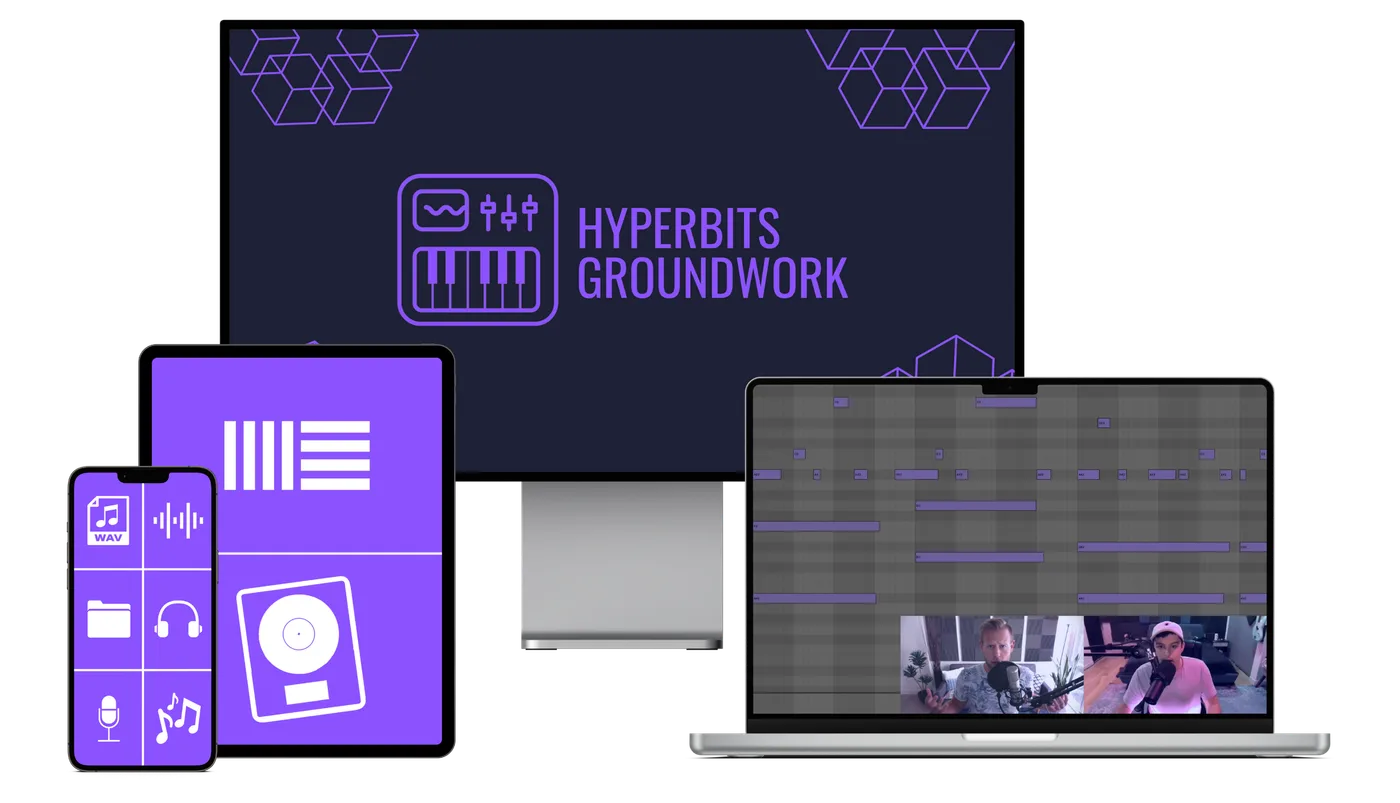
A free, step-by-step course for Ableton and Logic beginners. Learn the fundamentals of music production without spending months trying to piece it together from YouTube.


















Reviews we wish we had

“There's a grave chance Ableton or Logic will wet the bed at the sight of you. Proceed with caution.”
The Wall Street Journal

“You can finally become the producer your DAW has long dreamed of. Love is in the air.”
Tinder

“Achieve unrivaled power in your production process. Your DAW will quake before you.”
The New York Times
Choose Your Path
Pick your DAW. We'll handle the rest.
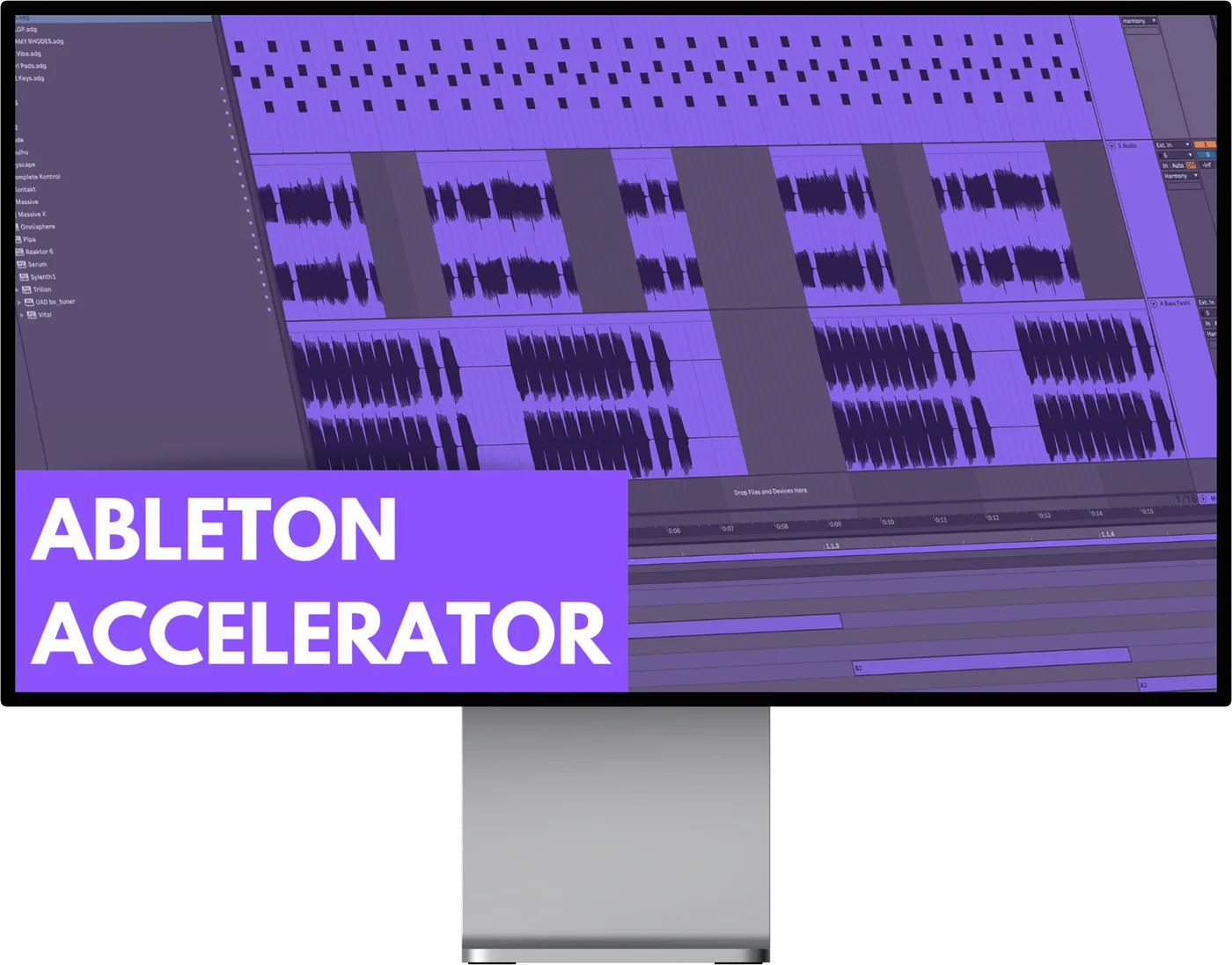
Ableton Accelerator
Everything you need to go from zero to confident inside Ableton Live.
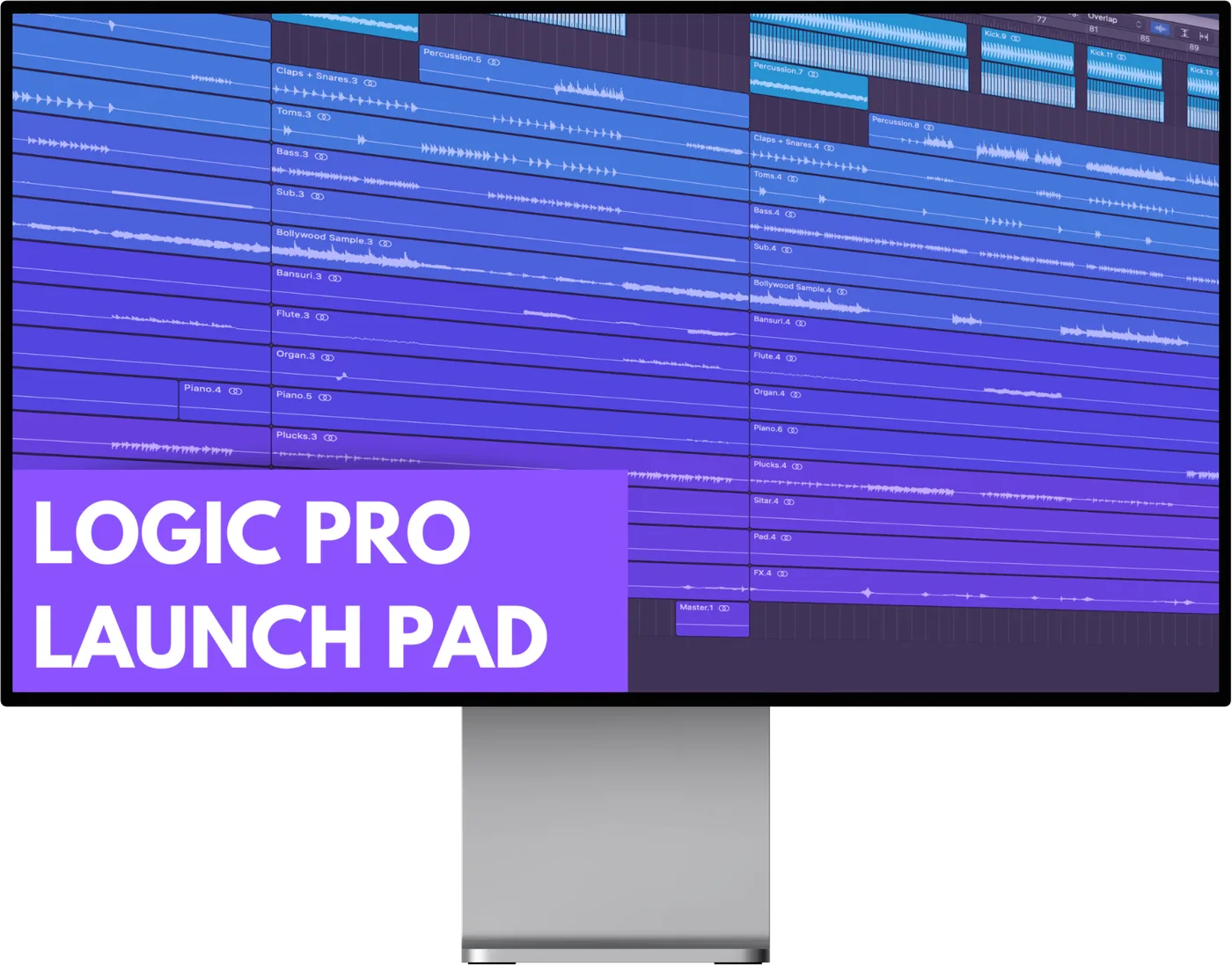
Logic Pro Launch Pad
The same curriculum, fully rebuilt for Logic Pro. Every shortcut, every workflow.
What You'll Learn
4 modules. Every fundamental covered.
Navigate your DAW with confidence
Signal flow, preferences, audio vs MIDI, and the shortcuts that save hours.
Build sounds from scratch
Samples, software synths, plugins, and how they all fit together.
Write and arrange ideas faster
Templates, idea generation, automation, and getting past the blank project.
Mix and master the basics
Processing chains, levels, EQ fundamentals, and getting your track export-ready.
Watch a full track built live
A complete track build from an empty project to a finished export, step by step.
Full Curriculum
Every lesson, mapped out.
Module 1: Getting To Know Your DAW 1h 7m
Module 2: Creating Sounds (Samples, Synths, Plugins & Beyond) 29m
Module 3: Become A Better Producer (Creating & Writing Ideas) 32m
Module 4: Next Steps (Mixing, Mastering & Advanced Techniques) 1h 17m
Pricing
Two courses. One price.
What's included
Completely free. No card required.
- 4 modules per DAW
- 20+ video lessons
- Searchable shortcut database
- Production glossary
- Interactive quizzes
- Self-paced, lifetime access
“I learned some new and creative ways to manipulate audio and midi. I saw instant results! Been using all the tips and tricks in my music. Would recommend the course to any producer.”
 Daniel Pinella
 “The DAW workflow is amazing. And the directness was massively appreciated. Very on-point and concise quality. Looking forward to using everything I've learned in the years to come.”
 James Alphonse
 “Oh man, I learned so many new things about Ableton which will save me time while making music. There was also a lot of good advice that has helped my music immediately.”
 Ravi Kumar
 FAQ
How much time should I expect to spend?
Both courses are self-paced, so you can work as fast or slow as you'd like. Most producers spend a few hours per week and finish within a month.
How long should I have been producing before I enroll?
Groundwork is designed for complete beginners. If you're just starting out or are unfamiliar with your DAW, this is where you should start.
What will I be ready to do after completing it?
You'll have a solid foundation in your DAW, understand signal flow, know how to work with audio and MIDI, and be ready to move on to intermediate-level production.
Is this genre specific?
No. It focuses on the fundamentals required to produce music of any genre.
Do I need any specific plugins?
No. This course uses only stock plugins that come with Ableton or Logic.
Are there live classes?
No. Groundwork is entirely self-paced and designed to be taken at your own speed.
How is this different from the Masterclass?
Groundwork is the ideal primer if you're just starting out and need to learn your DAW. The Masterclass is the intensive, all-encompassing program that takes you from intermediate to professional.
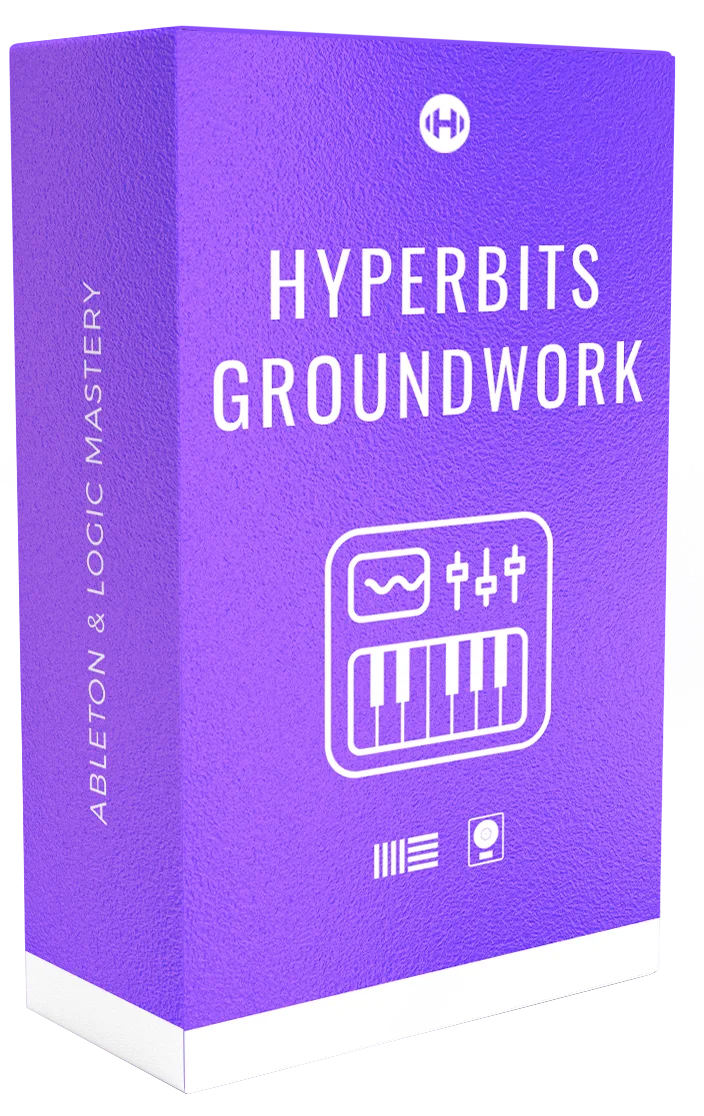
Stop piecing it together from YouTube.
Start with the right foundation.
Get both Ableton Accelerator and Logic Pro Launch Pad for free. The same team that built the Masterclass built this for you.