


Jump to a section25
- Music Creation
- 1Suno
- 2Udio
- 3Scaler
- 4Captain Plugins
- 5Pilot Plugins
- 6Splice Stacks
- 7Google Magenta Studio
- Intelligent Plugins
- 8Sonible smart:EQ
- 9Sonible smart:comp
- 10Oeksound Soothe
- 11Wavesfactory Trackspacer
- 12Wavesfactory Equalizer
- 13Soundtheory Gullfoss
- 14Mastering the Mix FUSER
- 15Mastering the Mix REFERENCE
- 16iZotope Ozone + Neutron
- Vocal and Stem Tools
- 17LALAL.ai
- 18Synchro Arts VocAlign
- 19Soundlabs MicDrop
- 20AI Mastering Services (LANDR / Waves Online Mastering)
- Bonus: AI Features Built Into Your DAW
- Stop Ignoring the Tools, Start Using Them
Suno is the best AI music generator to start with right now. Type in a genre and a vibe, and it hands back a complete track with vocals (free tier, premium from around $10/month). Udio does the same thing with a slightly different sonic character, so it’s worth trying both.
Quick picks
| Name | Best for |
|---|---|
| Suno | Full songs from a text prompt (free) |
| Udio | Full songs with a different sonic character (free) |
| Scaler | Chords and progressions inside your DAW |
| Google Magenta Studio | AI MIDI tools, like humanizing drum timing (free) |
| Oeksound Soothe | Taming harsh, ringing frequencies |
| iZotope Ozone + Neutron | AI-suggested mastering chains and channel strips |
| LALAL.ai | Splitting any track into stems (free) |
| Soundlabs MicDrop | Ethically trained AI voice models |
AI is already part of music production, and the producers who learn to use it as a tool are pulling ahead of the producers who pretend it doesn’t exist.
Use AI to handle the tedious parts so you have more energy for the creative parts. Composition help when you’re stuck.
EQ moves you can refine in seconds instead of an hour. Stem separation that used to be impossible. Voice tools that let you sketch a topline before you hire a real vocalist.
Here are 20 AI tools that are actually worth your time right now. Some are free, some are not. All of them have a place in a modern producer’s toolkit if you use them correctly.
Music Creation
Composition, inspiration, and writer’s block killers.
1. Suno

Suno generates full songs from text prompts. You type in a genre, a vibe, some lyric ideas, and it gives you back a complete track with vocals, instrumentation, arrangement, the whole thing. The quality is honestly wild.
Now before you freak out, no, this isn’t about replacing what you do. This is about inspiration. When you’ve been stuck on the same idea for two hours and you just need to hear something fresh, type a prompt into Suno and let it surprise you.
Use it as a starting point. Borrow the chord progression. Steal the energy of the arrangement. Then make it yours.
Price: Free tier available, premium plans start around $10/month.
Pro Tip: Search through the public library of tracks other people have created. It’s very possible someone has already generated the exact vibe you’re looking for, and you can use it as a reference or jumping-off point for your own track.
2. Udio

Udio does the same thing as Suno (full songs from text prompts) but with a slightly different sonic character. The catch right now: as part of its settlements with record labels, Udio switched off downloads in October 2025, so anything you make stays inside the platform. Its licensed relaunch hasn’t arrived yet, so for now treat it as a sketchpad, not something you can release from.
Price: Free to try. Downloads are currently switched off.
Pro Tip: Use their audio inpainting feature. You can select a specific section of a generated track and re-generate just that part based on the surrounding context. This makes it easy to fix a single vocal line, smooth over a transition, or completely change a section without starting over.
3. Scaler
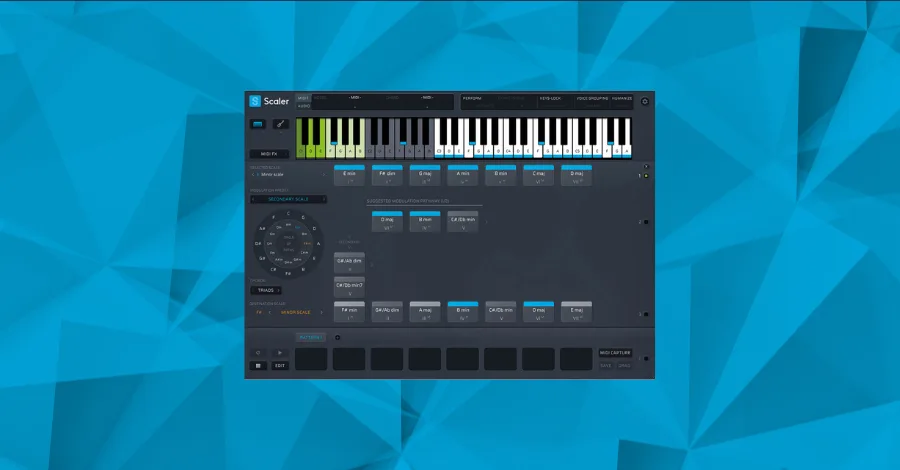
Scaler is a music theory workstation that lives right in your DAW. It helps you find chords and scales that work well together, suggests progressions based on genre, and can even generate melodies that actually sound human. If theory isn’t your strongest area (no judgment, it wasn’t mine for a long time), Scaler makes you sound like you know what you’re doing.
Price: Starts around $60.
Pro Tip: Explore the genre-specific presets regardless of what genre you actually produce. Some of the most interesting chord progressions come from borrowing ideas across genres. A jazz voicing in a house track? That’s how you make something that sounds different from everyone else.
4. Captain Plugins
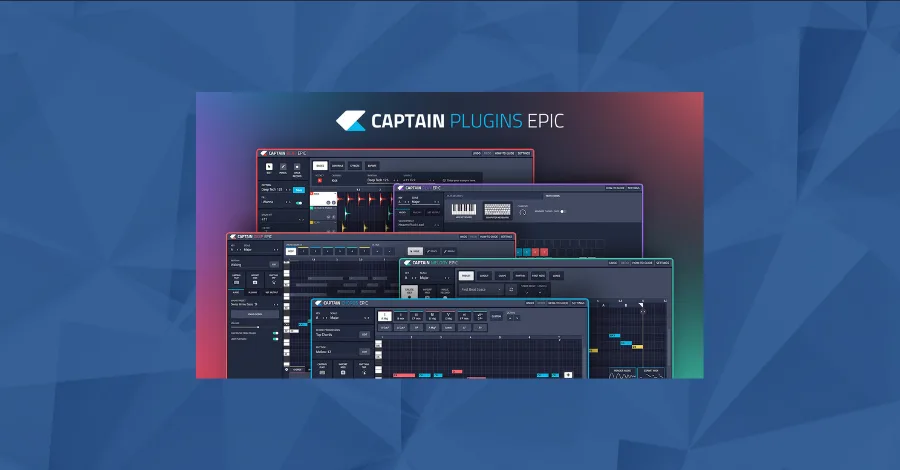
Captain (from Mixed in Key) lets you instantly create chords, melodies, basslines, and drums. For beginners, it makes music theory feel easy. For more experienced producers, it’s a surprisingly fast way to explore voicings and melodic ideas you wouldn’t have come up with on your own.
Price: Around $100.
Pro Tip: Use the “Magic Buttons” at the top of the Captain screen to randomize variations of chord progressions. Don’t just use the first thing it gives you. Click through a bunch of options, find something that makes you feel something, and then tweak it from there.
5. Pilot Plugins
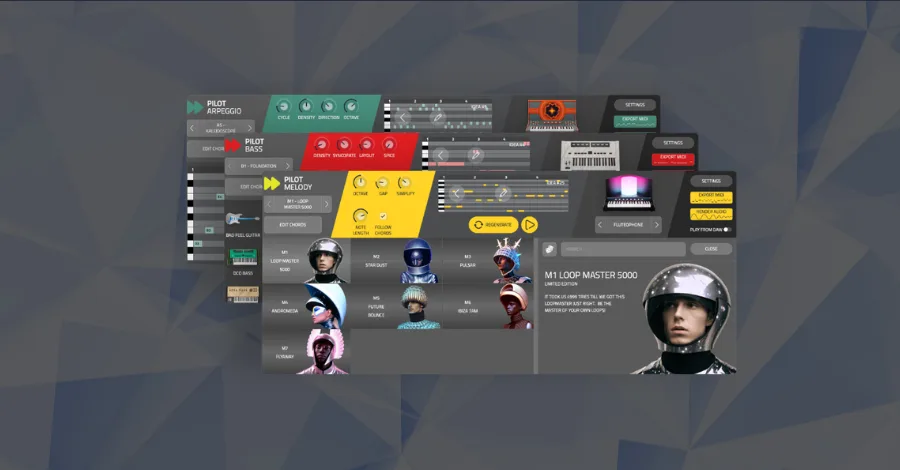
Pilot is the faster, more streamlined version of Captain. If Captain is the full toolkit, Pilot is the “I just need a chord progression and a melody in 30 seconds” version. Great for when you want to get an idea down quickly without getting lost in options.
Price: Starts around $50.
Pro Tip: One style pack is designed for pop music and one is for underground electronic producers (influenced by Ibiza and Amsterdam). If you’re feeling adventurous, try sampling from both on the same track. The contrast can create something really unexpected.
6. Splice Stacks
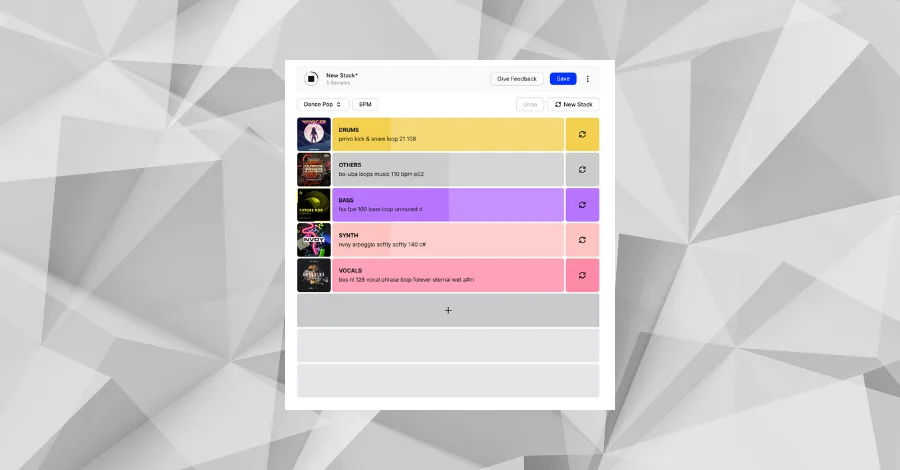
Splice Stacks lets you pick a style and Splice’s AI will show you millions of musical combinations using sounds from the world’s top producers. Think of it as AI-powered sample stacking. It picks the drums, bass, synths, and vocals that work together, and you tweak from there.
Price: Included with Splice subscriptions (starts around $13/month).
Pro Tip: You can mute layers, solo layers, or regenerate just one layer if you want to keep the drums but swap the bass, for example. Use it as a creative starting point, not a finished product. Pull the individual stems into your DAW and make them yours.
7. Google Magenta Studio

This one flies under the radar but it’s free and it’s actually great. Magenta Studio is a set of AI-powered MIDI tools originally built for Ableton (but works standalone too). It includes tools like Continue (which finishes your musical ideas), Drumify (which turns any MIDI input into drum patterns), Groove (which humanizes your timing and velocity), and Interpolate (which blends two clips together into something new).
Price: Free.
Pro Tip: Use the Groove tool on any programmed MIDI to instantly make it feel more human. Feed it a simple hi-hat pattern and it’ll add the subtle timing imperfections and velocity variations that make programmed drums feel alive. This alone is worth the download.
Intelligent Plugins
AI-powered mixing, EQ, and dynamics.
8. Sonible smart:EQ
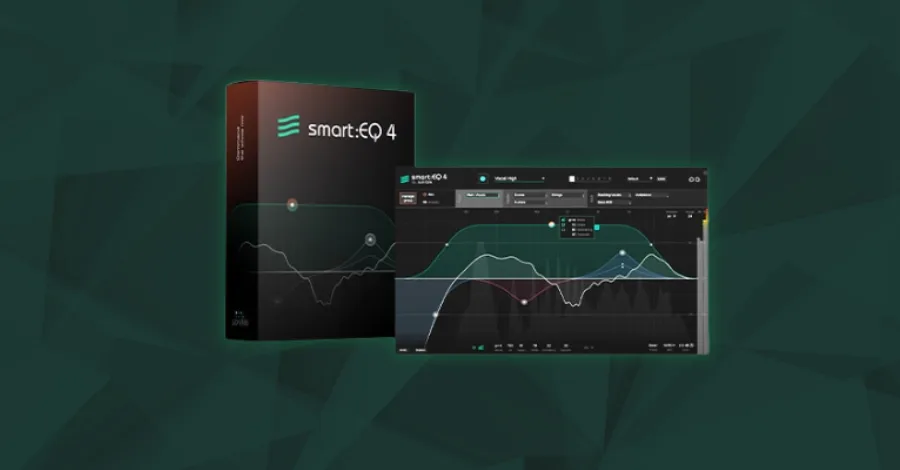
smart:EQ listens to your audio and creates an intelligent EQ curve based on what it hears. It identifies problematic frequencies, resonances, and tonal imbalances, then suggests corrections. You can use it on individual tracks or on your mix bus. The “learning” phase takes a few seconds of playback, then it generates a profile.
Price: Starts around $130.
Pro Tip: Use it on your vocals first. The AI is really good at identifying the specific problem frequencies in a vocal recording (the boxy 300-500Hz stuff, the harsh 3-5kHz stuff) and suggesting cuts that would take you 10 minutes to find manually. Then fine-tune from there by ear.
9. Sonible smart:comp
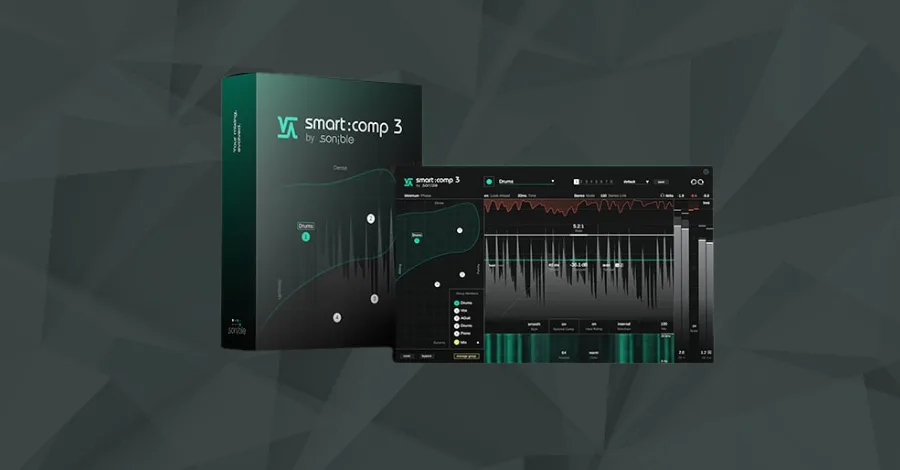
smart:comp is a spectral compressor that analyzes your audio and suggests compression settings based on what it hears. Unlike a normal compressor that applies the same settings across the whole frequency range, this one can compress different frequency bands differently, all driven by AI analysis of the incoming signal.
Price: Starts around $130.
Pro Tip: Try it on your drum bus. The spectral compression means it can tighten up the low end without squashing the hi-hat transients, which is exactly what you want but extremely hard to set up manually with a traditional multiband compressor.
10. Oeksound Soothe
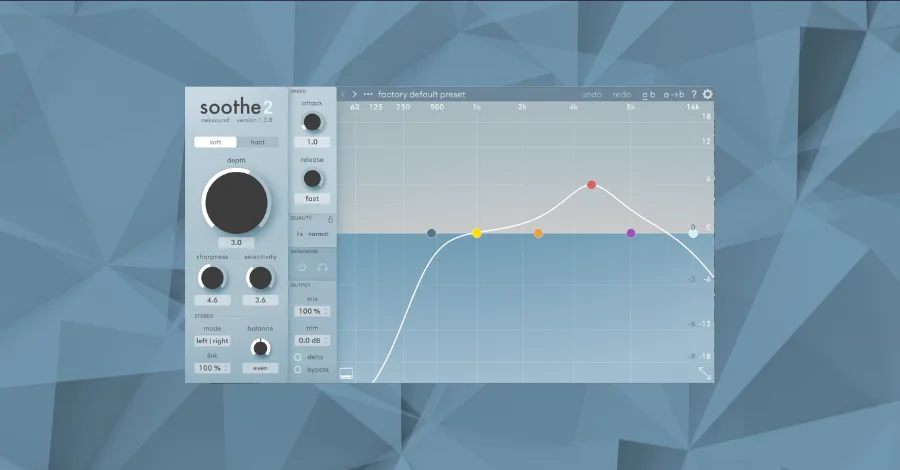
Soothe is a dynamic resonance suppressor. It identifies harsh, ringing frequencies in real time and applies reduction only when and where it’s needed. The result is a smoother, more balanced sound without you having to hunt down problem frequencies by hand. It’s one of those plugins that doesn’t sound like it’s doing anything until you bypass it, and then you immediately hear how much work it was doing.
Price: Around $220.
Pro Tip: Don’t just use it for taming harshness. Try cranking the parameters on a sound design element and you’ll get these interesting, filtered textures that can add a totally new flavor to your sounds. Just be careful, extreme settings will completely transform your audio (which is kind of the point when you’re using it creatively).
11. Wavesfactory Trackspacer
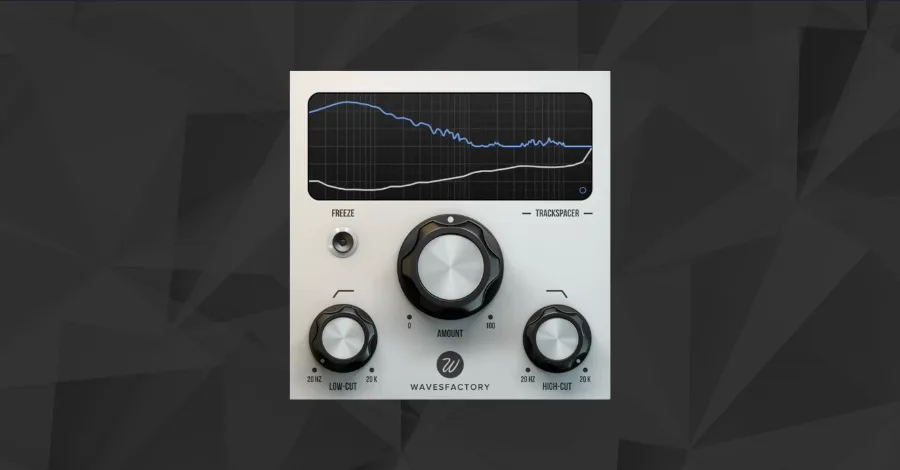
Trackspacer is spectral ducking in a plugin. Instead of regular sidechain compression that ducks the entire signal, Trackspacer only ducks the specific frequencies that are colliding between two sounds. Put it on your pad bus, feed it the vocal as a sidechain, and it’ll duck only the frequencies where the vocal lives while keeping everything else full.
Price: Around $60.
Pro Tip: Set Trackspacer to around 5-8% and target the midrange when you’re trying to create room for vocals. That’s usually enough to clear space without making the ducking obvious. Go higher than 10-12% and it starts to sound like a pumping effect (which can also be cool, but that’s a different vibe).
12. Wavesfactory Equalizer

This is an Equalizer in the most literal sense. It analyzes your audio and tries to make all frequencies the same volume, essentially flattening the tonal balance automatically. Tasks that would normally require careful manual EQ automation happen instantly. And it does all of this with barely any CPU hit.
Price: Around $100.
Pro Tip: Use it on leads to make them cut through the mix. It balances the high frequencies so that the presence is even across the entire performance, which means your lead sounds consistently clear and upfront without any spots where it suddenly gets dull or harsh.
13. Soundtheory Gullfoss
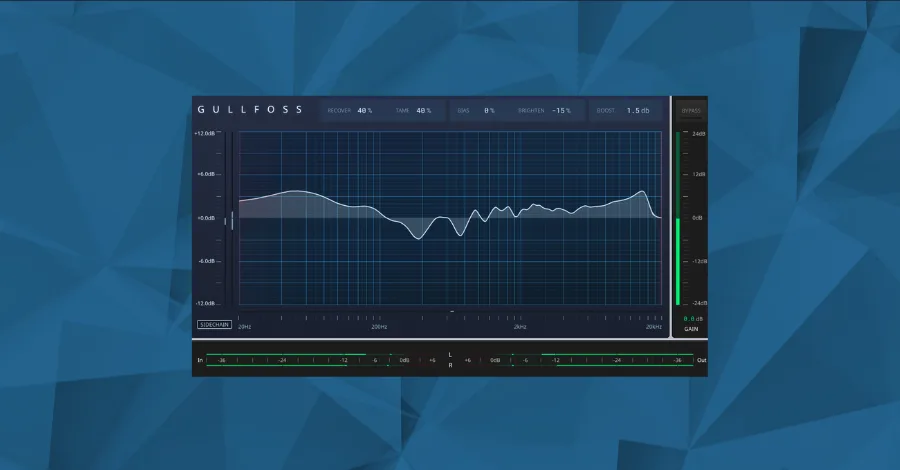
Gullfoss is an intelligent EQ that listens to your audio and adjusts itself in real time based on what it perceives. It doesn’t just follow a static curve, it’s constantly reacting to the signal. The “Recover” and “Tame” knobs are deceptively simple but incredibly powerful. Recover brings out detail and clarity, Tame reduces harshness and muddiness.
Price: Around $200.
Pro Tip: Try it on your master bus with very subtle settings (Recover around 15-20%, Tame around 10-15%). It adds a clarity and “openness” to your mix that’s hard to achieve any other way. It’s one of those plugins where a little goes a very long way.
14. Mastering the Mix FUSER
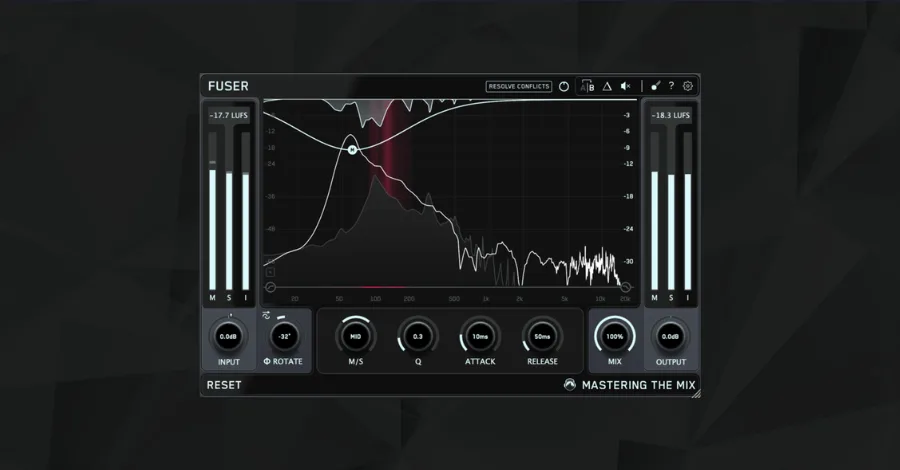
FUSER resolves frequency conflicts between two channels. It detects where two sounds are fighting for the same frequency space and intelligently ducks one to make room for the other. Think of it as a smarter version of Trackspacer with more surgical control over phase, mid/side, and the specific frequency bands being affected.
Price: Around $60.
Pro Tip: Use FUSER whenever you have a vocal lead playing in a drop or chorus. Place it on all other elements that occupy the same frequency space (synths, pads, anything in the 1-5kHz range). This will help your vocals breathe and be heard clearly in a busy mix without having to turn them up and throw off your balance.
15. Mastering the Mix REFERENCE
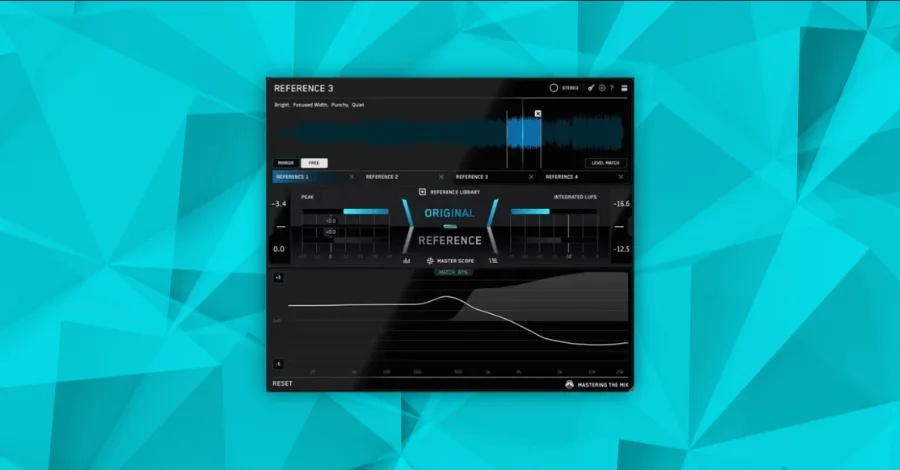
REFERENCE lets you A/B your mix against any track you want to sound like. It shows you the tonal balance, stereo width, loudness, and compression differences between your mix and your reference in real time. The amount of knowledge you gain from actually seeing how your mix compares to a professional release is pretty phenomenal.
Price: Around $60.
Pro Tip: Don’t try to match the whole reference track at once. Solo a specific frequency range (like everything below 200Hz) in both your track and the reference, and work on matching just that range. Then move up to the mids, then the highs. This is how you actually learn what makes a professional mix sound the way it does.
16. iZotope Ozone + Neutron
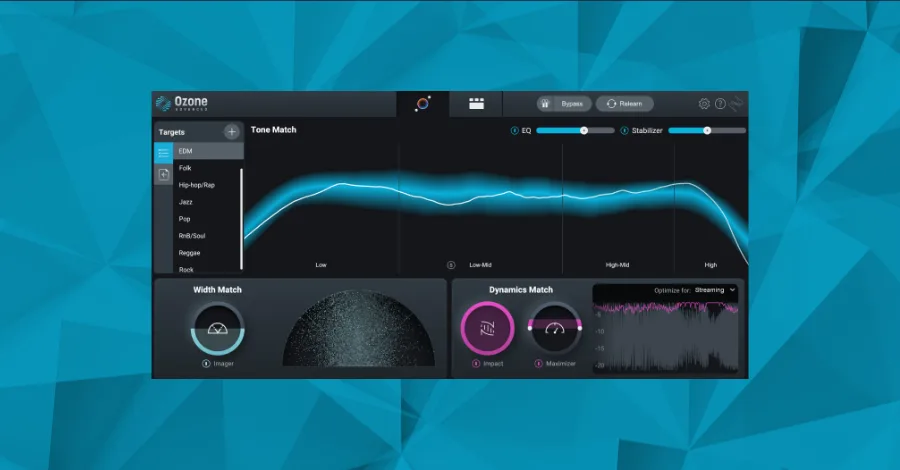
Ozone (mastering) and Neutron (mixing) are the heavyweights of AI-assisted mixing and mastering. Both use machine learning to analyze your audio and suggest processing settings. Neutron can suggest an entire channel strip (EQ, compression, exciter, transient shaper) for any track. Ozone can suggest a full mastering chain.
Price: Both start around $130.
Pro Tip: Use the AI assistants as starting points, not gospel. Let Ozone suggest a mastering chain, then go module by module and ask yourself “do I actually agree with this?” The AI gets you 70% of the way there fast. The last 30% is where your ears and taste make the difference.
Vocal and Stem Tools
Separation, alignment, and voice AI.
17. LALAL.ai
LALAL.ai is an AI-powered audio splitter that separates vocals, drums, bass, and other layers from any audio file. The quality of modern stem separation is honestly mind-blowing compared to even a couple years ago. Use it for remixing, sampling, studying how your favorite tracks are mixed, or pulling acapellas for your productions.
Price: Free tier available, pro plans start around $10.
Pro Tip: Use this tool to isolate stems from a track you want to use as a reference. Pull the vocal stem from a song you love, drop it in your session, and use it to A/B your own vocal processing. Or isolate the drum bus and compare it to your own. It’s like having the session file for any song.
18. Synchro Arts VocAlign
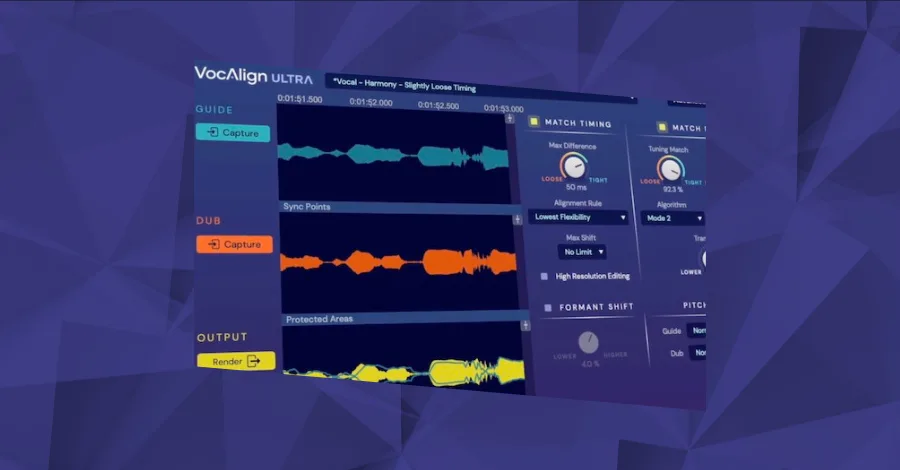
VocAlign automatically aligns and synchronizes vocals with your reference tracks and background vocals. If you’re doubling vocals, stacking harmonies, or layering anything vocal-related, this saves you hours of manual alignment. The tightness it creates in vocal stacks is night and day compared to doing it by hand.
Price: Starts around $150.
Pro Tip: Use VocAlign when layering vocals to ensure extremely tight synchronization. Even if your vocalist nailed the timing, there are always micro-timing differences between takes. VocAlign fixes those invisible discrepancies that you can’t see but can absolutely feel. The result is a more polished, compact vocal sound.
19. Soundlabs MicDrop
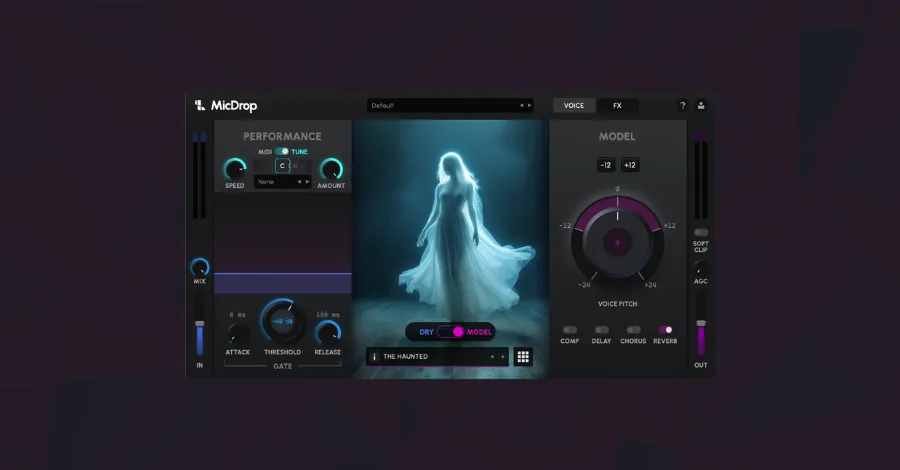
This is BT’s AI voice plugin, and it’s the one I’d recommend over any other voice cloning tool out there. MicDrop lets you transform any voice into another voice in real time, right inside your DAW. What makes it different from the sketchy AI voice tools floating around is that every voice model is ethically trained. Real singers who consented, no stolen vocal data, no legal gray areas. You can turn your own voice into a professional singer, a children’s choir, a talkbox, and more.
Price: Check their site for current pricing.
Pro Tip: Record a rough vocal take with your own voice (even if you’re not a great singer), get the melody and timing right, then use MicDrop to transform it into a polished vocal. This is way faster than digging through vocal sample packs or hiring a vocalist for demo ideas. When you’re ready for the final version, you can decide if the AI vocal is good enough or if you want to bring in a real singer.
20. AI Mastering Services (LANDR / Waves Online Mastering)
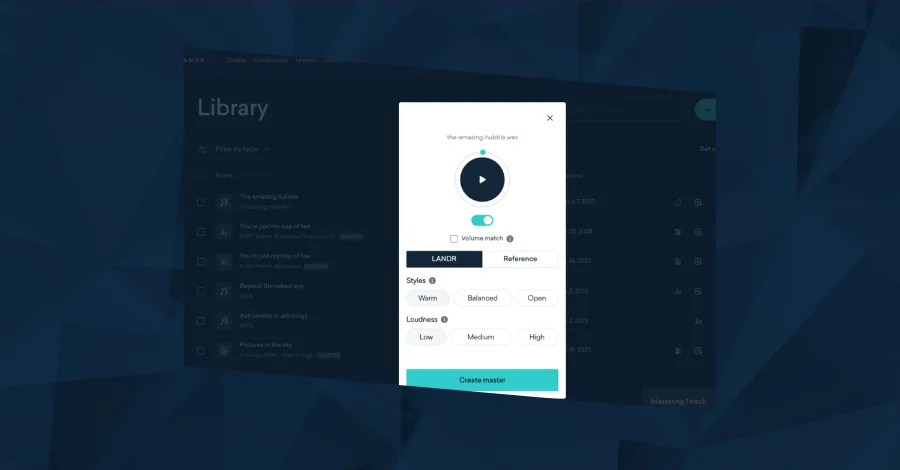
AI mastering services have gotten significantly better over the past few years. You upload your mix to a service like LANDR or Waves Online Mastering, the AI analyzes it, and you get back a mastered version in seconds. Is it as good as a human mastering engineer who’s been doing this for 20 years? No. But for rough demos, quick previews, or producers who are just starting out and don’t know what mastering should even sound like yet, these services are a solid starting point.
Price: Both offer per-track pricing and subscription plans. Varies.
Pro Tip: Use AI mastering as a learning tool. Master your track yourself, then run the same mix through an AI mastering service, and compare the two. Where do they differ? What did the AI do that you didn’t? This is one of the fastest ways to train your ears for mastering decisions.
Bonus: AI Features Built Into Your DAW

You might already have AI tools and not even know it. The major DAWs have been quietly adding AI features that are worth exploring.
Logic Pro now includes a Stem Splitter that separates any audio file into individual stems right inside the DAW. No third-party tool needed. It also has a Mastering Assistant that analyzes your mix and applies a mastering chain automatically. Great for quick bounces and reference checks.
Ableton Live has introduced MIDI generation tools that use pattern-based algorithms to suggest melodies, rhythms, and variations on your existing ideas. It also has built-in stem separation now. If you haven’t updated in a while, check what’s new.
FL Studio added AI stem separation that lets you isolate vocals, drums, bass, and other elements from any audio clip directly in the playlist. Super useful for remixing and sampling without ever leaving your project.
The takeaway here: update your DAW. Seriously. A lot of producers are sitting on older versions and missing out on features that are already included in what they paid for.
Stop Ignoring the Tools, Start Using Them
If you made it this far, go try at least one of these tools today. Not next week. Today.
The producers who are going to thrive in the next decade aren’t the ones who ignored AI. They’re the ones who learned how to use it as a tool while keeping their ears, taste, and creativity at the center of everything they do.
AI handles the tedious stuff. You handle the art.
If you want to go deeper on production, mixing, mastering, and everything in between, check out the Hyperbits Masterclass.
Heads up: some of the links below are affiliate links. If you buy through one, we earn a small cut (costs you nothing extra). But we'd point you at this exact gear whether we made a dime or not.